
Know what every vehicle needs next
Keep vehicle dates, maintenance, driver checks, documents and running costs together. See what needs attention across your fleet, then open the vehicle record on the web or your phone to follow it up.
30 days free, no card needed. Plans from £4/month for one vehicle. See plans for your vehicle count.
Collecting service evidence from customers?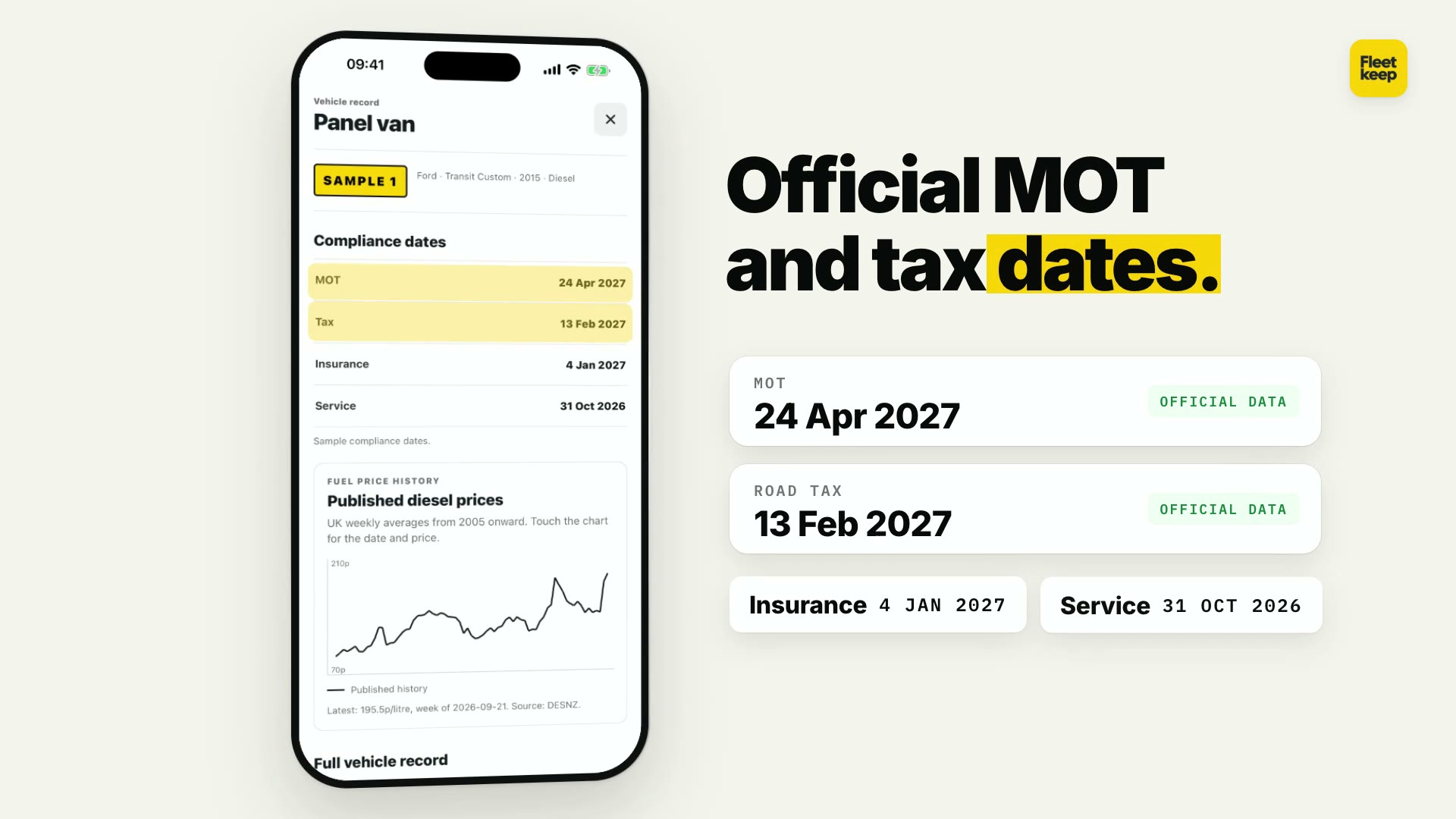
Read the film description
The film introduces Fleetkeep and shows the mobile app, including vehicle records and MOT, tax, insurance and service dates. Screens use example vehicle data. There is a music soundtrack and no speech. Explore the product below for the same features in text and screenshots.
Your first session
Add vehicles and set up reminders.
- Add your first vehicle or import your list, then start the 30-day trial.
- Check available MOT and tax dates, then add insurance and service details.
- Record checks and documents, then set reminders for the right people.
Inside Fleetkeep
See the product before you sign up.
Preview the dashboard, vehicle records, driver checks and tracking.
For leasing, finance and fleet teams
Collect service evidence from customers and operators.
Track due work, request service evidence, record customer contact and review what comes back in the same Fleetkeep account. Explore the workflow and discuss a scoped pilot. Manufacturer schedules need an approved data source and an exact vehicle match.
Explore service-evidence workflowsOn the App Store for iPhone and on Google Play for Android.
Fleetkeep on your phone
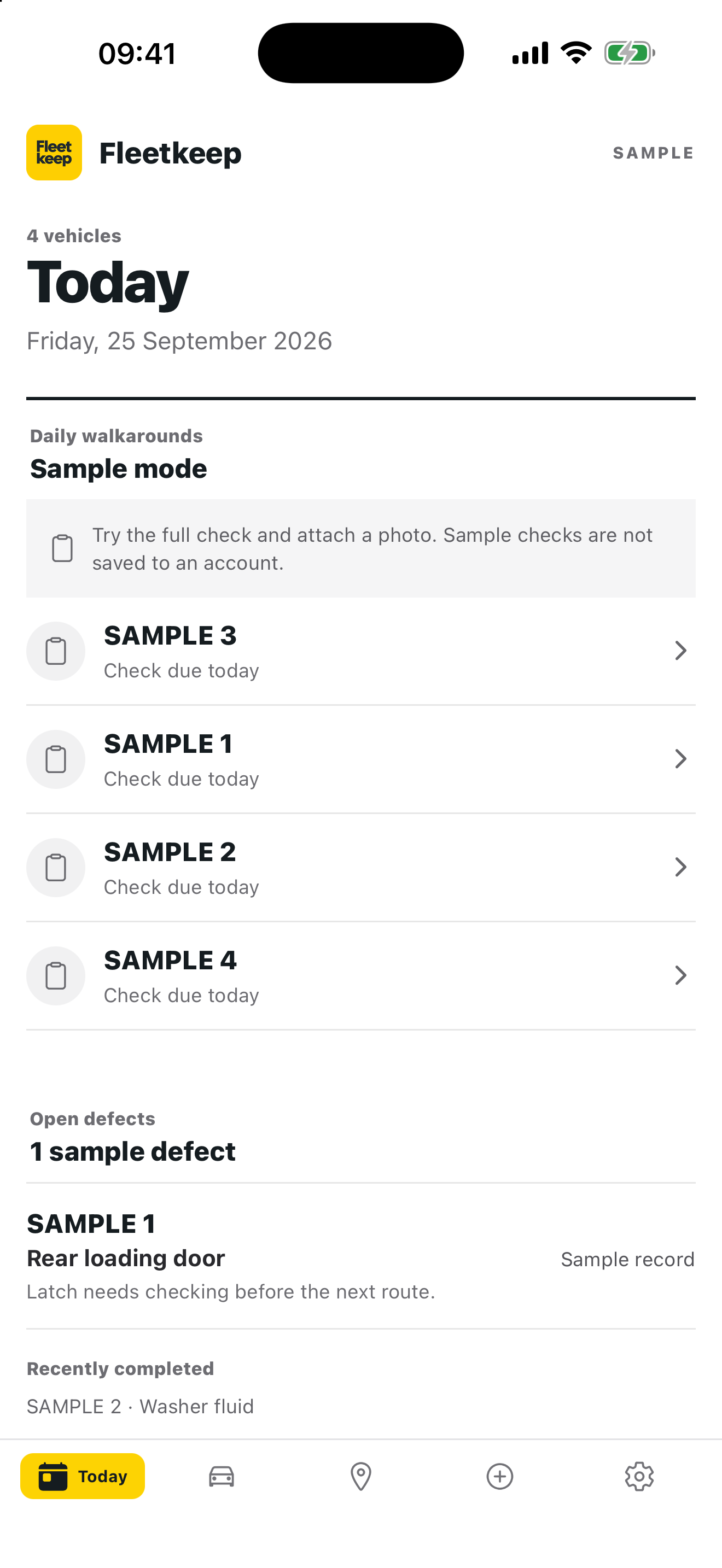
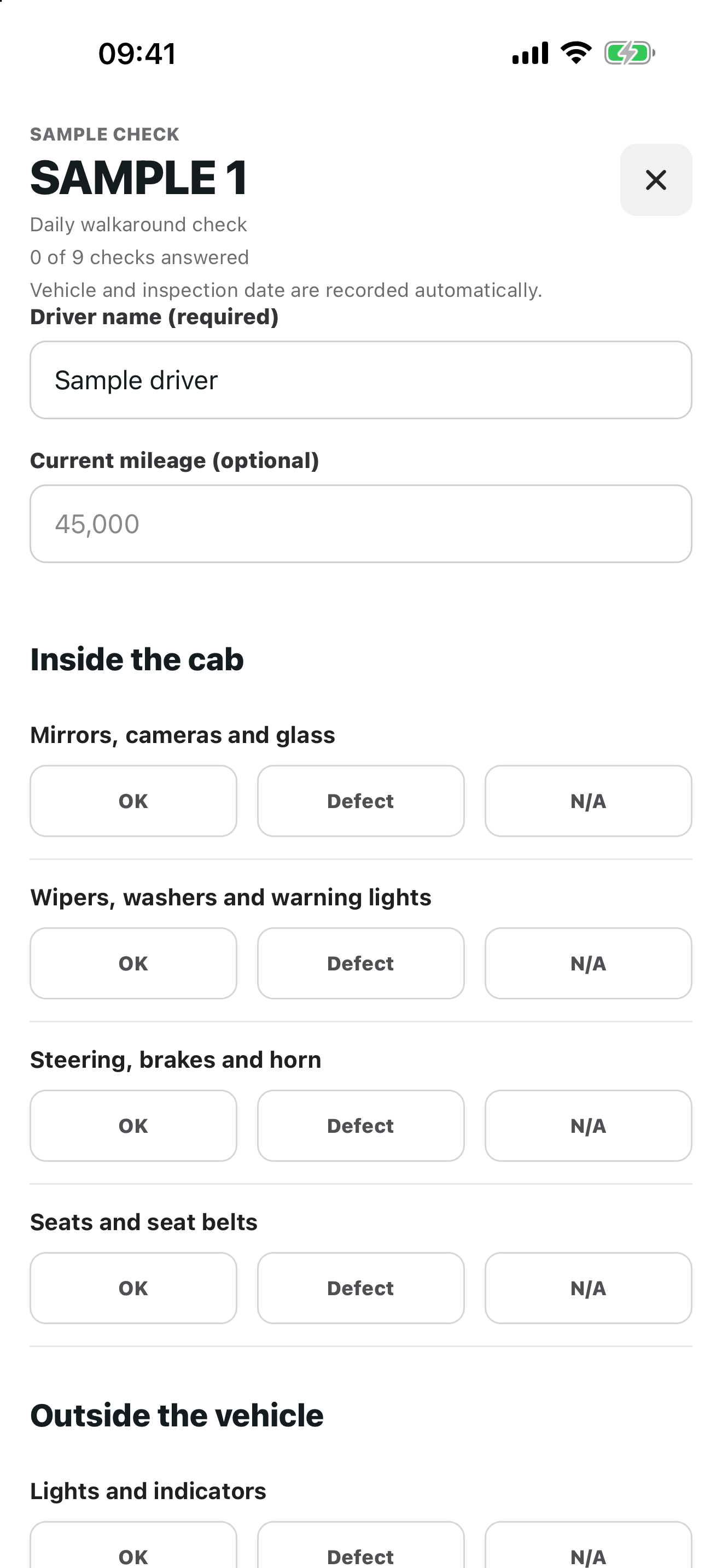
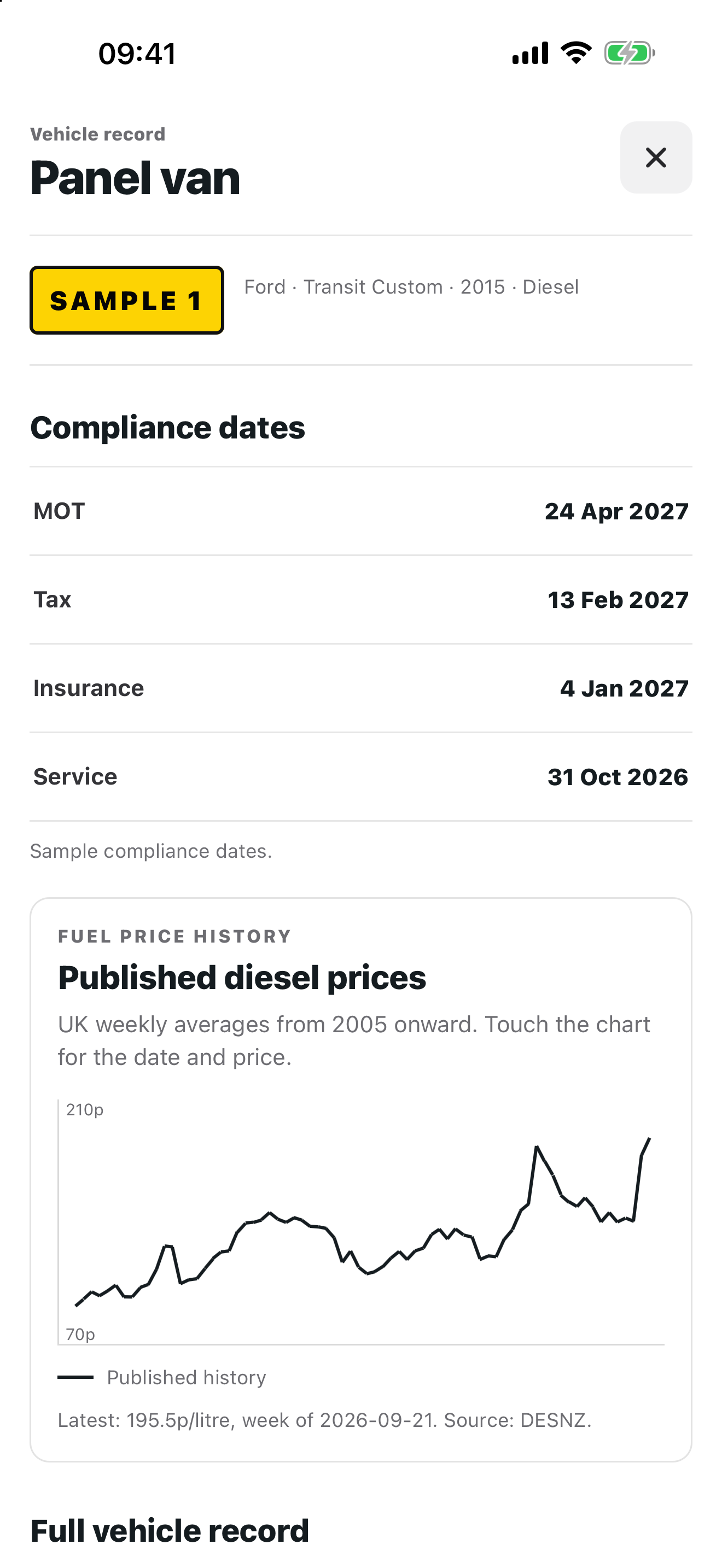
Use the Fleetkeep mobile app for daily walkarounds, defects, maintenance tasks, vehicle dates and connected fleet locations. It works with the same Fleetkeep account as the web dashboard.
- Complete daily vehicle checks
- Add defects with notes and private photo evidence
- Review open work and upcoming dates
- View tracker health, latest locations and Wex route history
iPhone screens shown with example data.


Use the same Fleetkeep account on your phone.
In the next app release
Five vans. Eight drivers. One company account.
Give each driver their own sign-in to the company fleet. They can choose the van they are using, record a daily vehicle check and record start and finish mileage against a job reference.
The fleet manager sees who recorded each check and journey in the main dashboard. Fleet plans are priced by vehicles, not driver accounts. Manage shared job references in the web portal.
Fleetkeep CLI
Tell your agent what changed.
With your permission, an AI agent can find the vehicle, prepare a service record and ask you to confirm the details before Fleetkeep saves anything.
This works with an agent you authorise to update Fleetkeep. ChatGPT can answer questions about your fleet, but cannot save changes yet.
Ask about your fleet in ChatGPT with the published read-only plugin. See example prompts and connector availability.
See how confirmed updates work“BD15 KFG had a service today at 48,212 miles.”
Vehicle matched: BD15 KFG
Service date: 27 September 2026
Mileage: 48,212
No record is saved until you confirm.From an early user
“Fleetkeep makes keeping on top of our family cars much easier. The MOT and car tax reminders arrive two weeks before they’re due, so we have time to book things without being caught out.”
Fleet management for UK businesses that run vehicles.
Couriers, taxi and private hire operators, trades businesses, construction teams, vehicle hire operators, plant and tool hire firms, delivery fleets and growing operators.
See exactly how it works, step by step → Fleet management software for small fleets
Missing a reminder type? Suggest it and we'll add it to the queue.
Start with one vehicle.
30 days free. No card needed. We can help bring your spreadsheet across.
Common questions
Can I try Fleetkeep before paying?
Yes. Add your first vehicle, then start a 30-day trial without entering a card. Add a card before day 30 to continue; do nothing and the subscription stops on that date. Personal costs £4/month or £40/year for one vehicle. Household costs £8/month or £80/year for two.
Where does the MOT and tax data come from?
MOT due dates and history come from the DVSA MOT history service. Road tax due dates and vehicle details (make, model, year, fuel, colour) come from the DVLA Vehicle Enquiry Service. Both are official UK government sources, fetched live when you add a vehicle.
How do reminders arrive?
A status summary lands in your inbox as soon as your first vehicle is saved. After that, reminders go out by email and Android app notification at 60, 30, 14 and 7 days before each date, or on custom days you choose, to you plus any verified reminder recipients. Paid accounts can also subscribe a phone or work calendar to a Fleetkeep feed, so due dates and bookings appear beside everything else.
What does the dashboard track?
Fleetkeep tracks MOT, road tax, insurance, service dates, mileage-triggered maintenance, document uploads, toll/charge admin, defects, condition evidence and driver guidance. Drivers can use a portal link for breakdown information, accident procedures, company vehicle guidance and approved documents.
Can Fleetkeep use live vehicle data?
Yes. Connect an authorised Wex Telematics, Wialon Hosting or Samsara account. Fleetkeep shows provider, freshness and connection health for each vehicle. Wex can also supply route history, fuel entries, estimated UK MPG and diagnostic codes. Wialon and Samsara currently supply latest location and connection health.
Is my data shared with insurers or other partners?
No. Renewal dates, vehicle records and email addresses are operational data; we do not sell, rent or share them. If you click a partner link the partner sees a click reference and the page you came from, never your fleet data. See the partner link disclosure for the full standard.